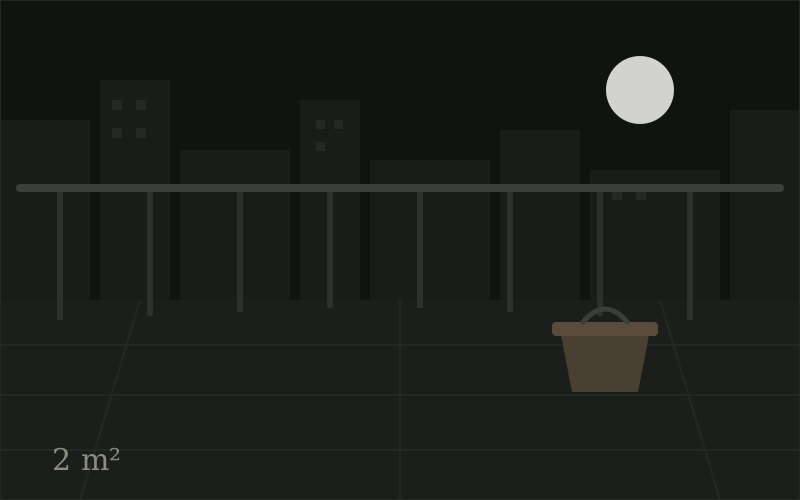
Listen
“Show the mistakes and fixes—not only the reveal. The 30 seconds where you admitted the s…”
compost_confessions · 231 likes · 26 supporting comments
Audience intelligence for creators
Synthetic data · no account · nothing gets published
NextBestContent reads the comments under a video, finds the three signals the audience keeps repeating, and turns the one you choose into a six-scene YouTube Short or a LinkedIn document post — then runs seven transparent checks before anything leaves the studio.
Every recommendation carries the actual comments behind it.
From the synthetic “Maya Makes Space” demo — fictional creator, fictional comments, original artwork
Listen
“Show the mistakes and fixes—not only the reveal. The 30 seconds where you admitted the s…”
compost_confessions · 231 likes · 26 supporting comments
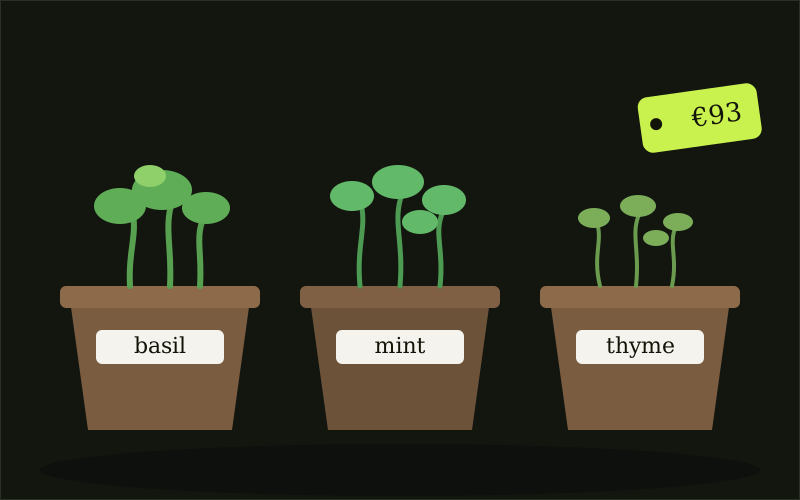
Decide
Show the mistakes and fixes—not only the reveal.
Opportunity score 81 / 100 · one of exactly three signals
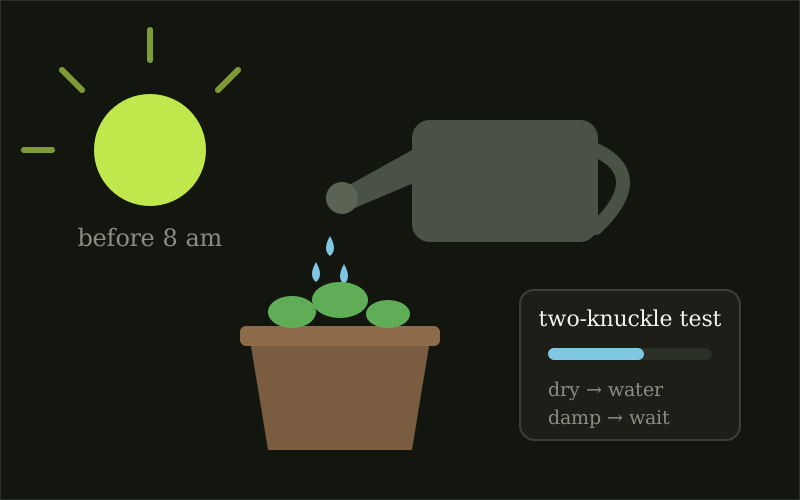
Create
“3 mistakes that nearly killed my balcony garden.”
Six scenes · LinkedIn alternative: “6 decisions behind a 2m² food garden.”
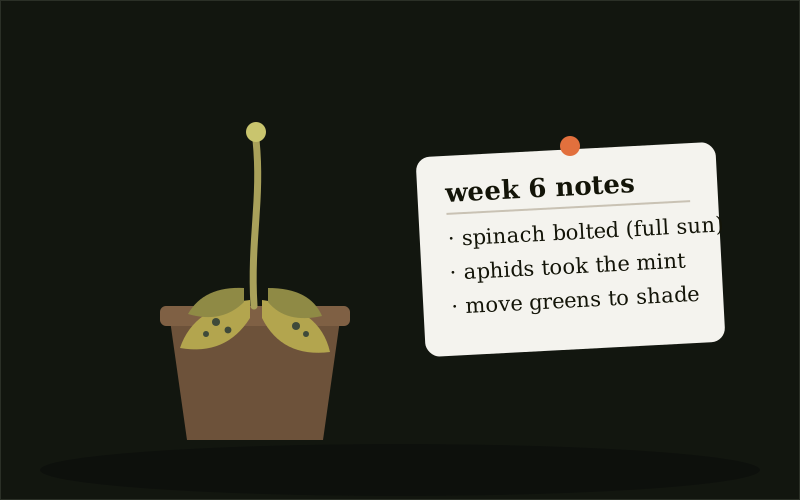
Preflight & export
Seven transparent checks
Then copy, storyboard, PNG, and PDF exports — nothing is published automatically
Coming soon — nothing drafted or published yet
Coming soon — nothing drafted or published yet
Sources: live YouTube comments and creator imports (self-hosted) · the synthetic demo right here.
The complete product — live YouTube analysis, comment imports, and generation — runs on your machine. The recommended setup keeps your model key in the container environment. If the operator enables request-scoped keys, they stay in memory for one run and are never stored.